
If you recently registered a side business (Nebengewerbe) in Germany for digital activities like Amazon KDP, affiliate marketing, or social media content creation, you will likely receive an unexpected letter from an institution called the BGHW (Berufsgenossenschaft Handel und Warenlogistik).
Receiving formal, mandatory mail out of nowhere can be incredibly unnerving. Here is a clear breakdown of what this letter actually is, why you received it, and how to handle it safely without spending a cent.
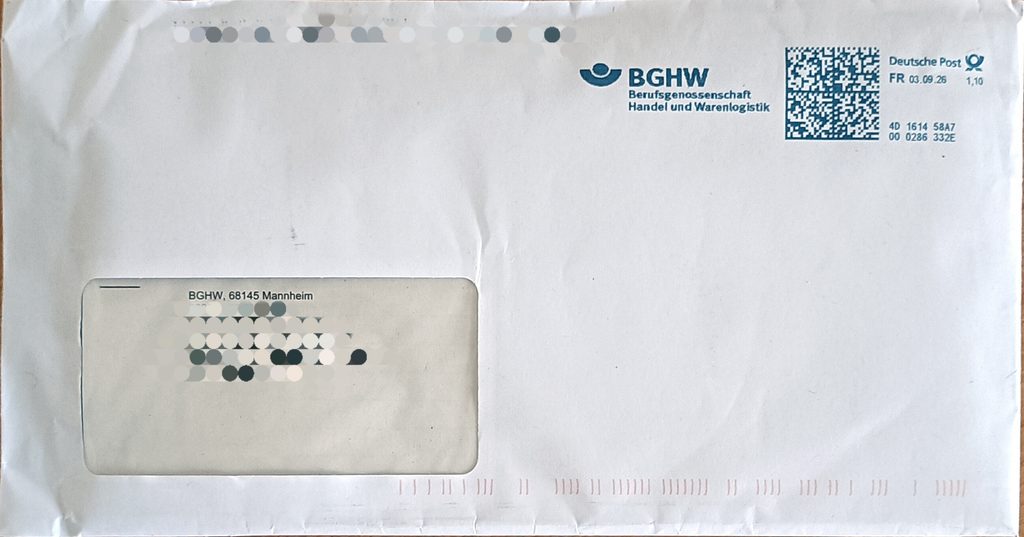
What is the BGHW and why did they write to me?
The BGHW is the German statutory accident insurance institution for the trade and logistics sectors.
The Automatic Chain: When you register a trade (Gewerbeanmeldung) at your local city office, the city automatically shares your data with various public registries.
Why the BGHW? Because you listed terms like marketing or publishing, the automated classification system routed your file to the BGHW.
The “BG-Pflicht”: In Germany, every single business registry triggers a mandatory, legal requirement to check in with the responsible insurance institution from day one—even if you are a solo operator making zero revenue.
Is it a trap or a scam?
No, the letter itself is completely legitimate, but caution is highly justified.
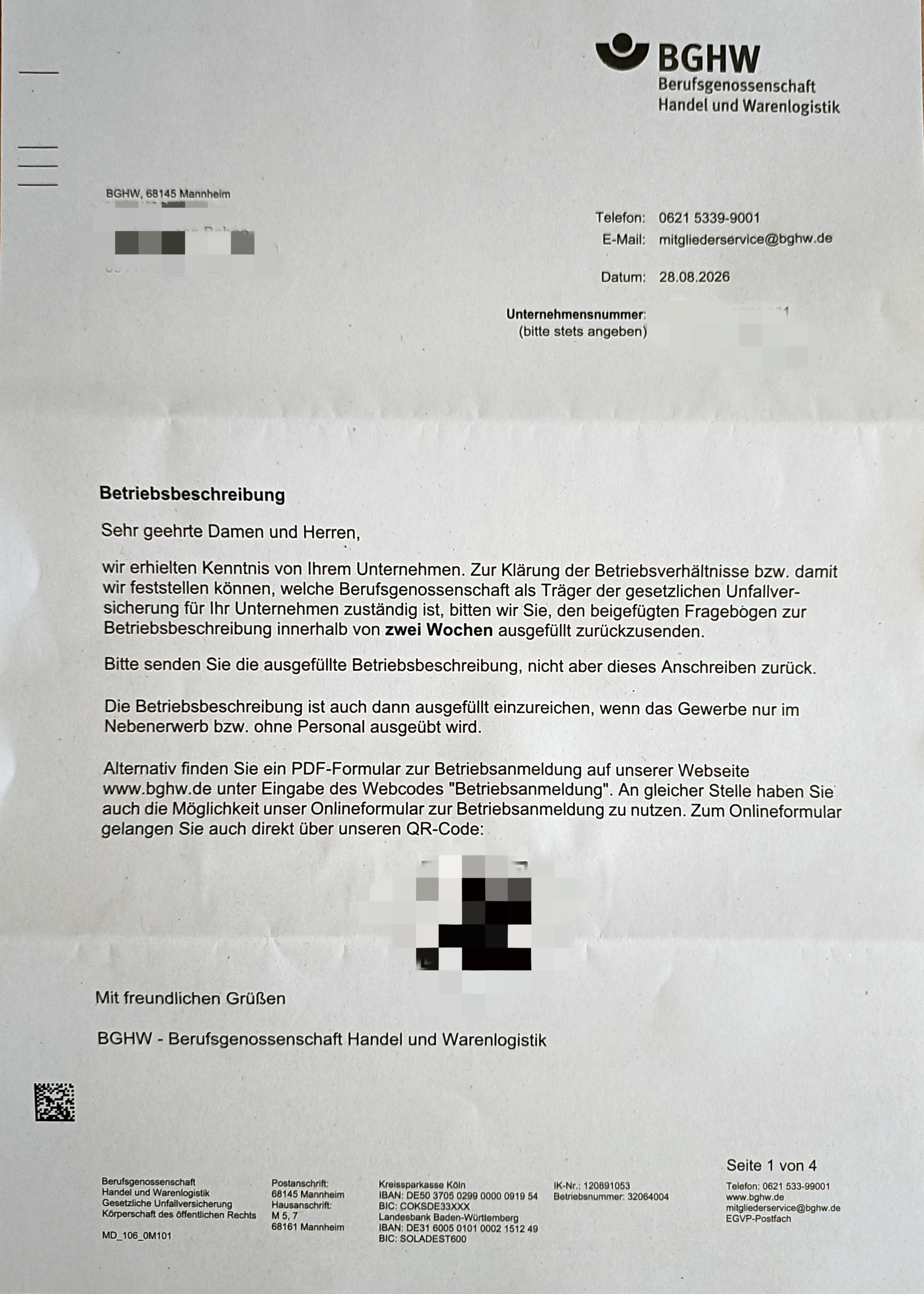
The Questionnaire: The BGHW sends an initial questionnaire (Betriebsbeschreibung) simply to find out who you are, what you do, and if you employ people.
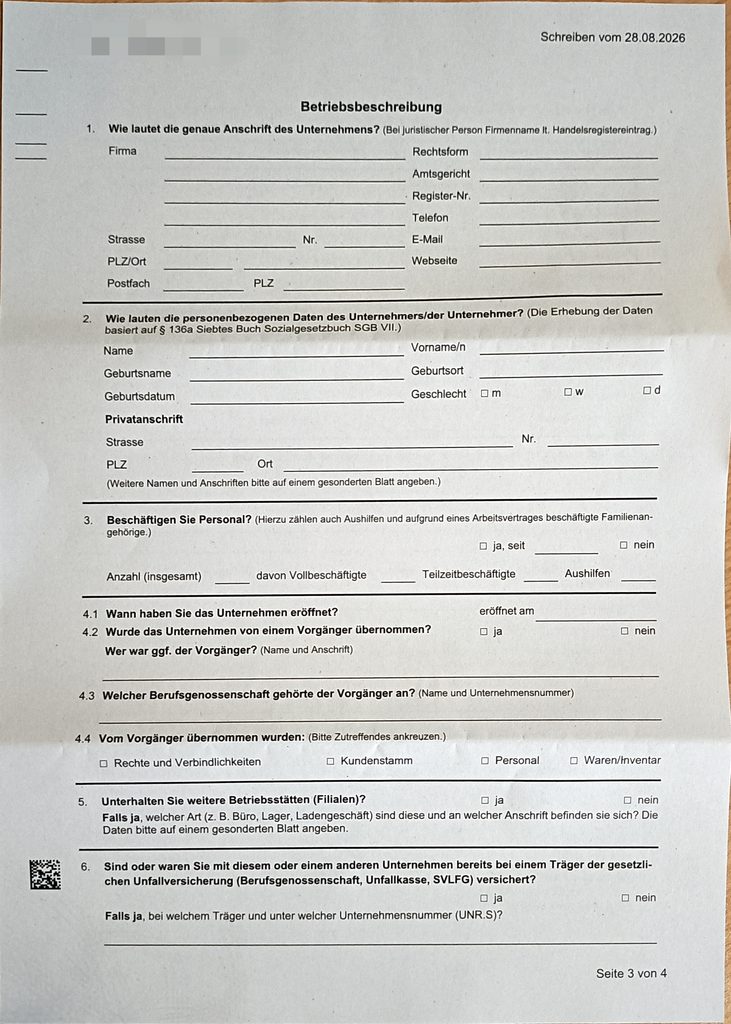
Scam Warning: Be aware that sophisticated scammers frequently scrape public business registries to mail out fake, expensive invoices demanding “urgent registration fees” immediately after you register a trade. The official BGHW does not charge money or send invoices for setting up a solo account.
How to complete the form as a Digital Creator (Step-by-Step)
Instead of dealing with physical paperwork, you can complete this entire process digitally via meine.bghw.de using the unique QR code or webcode provided in your letter.
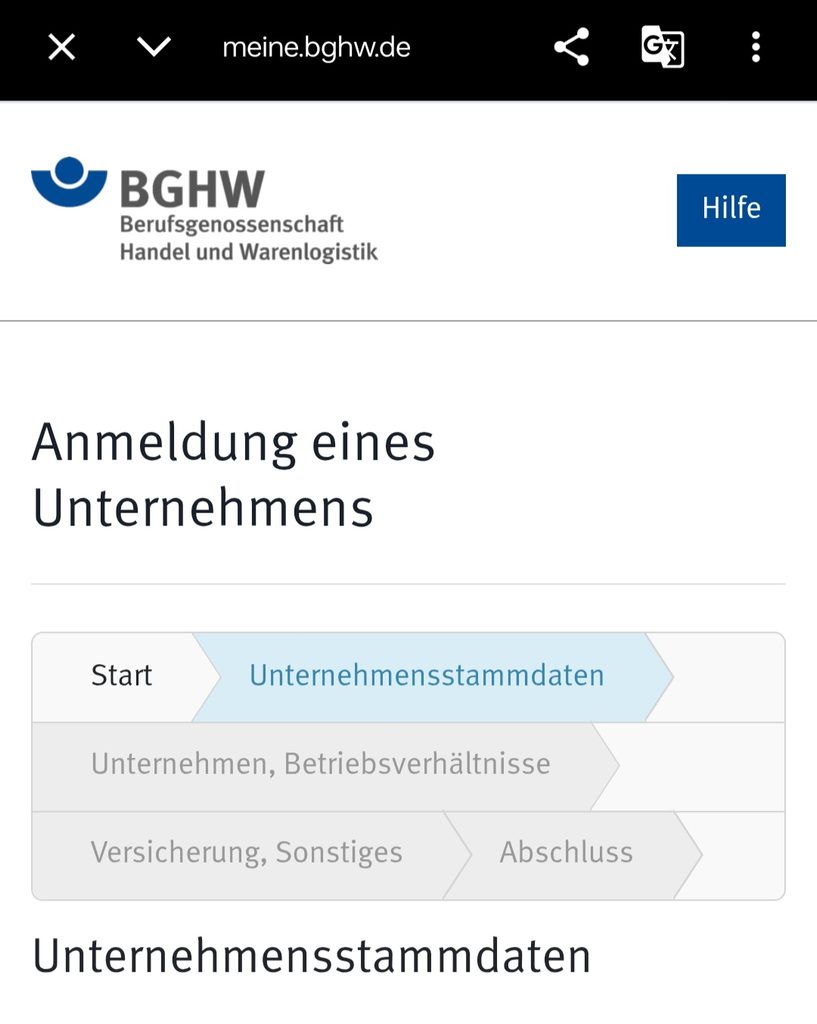
Because the BGHW’s software is built for massive shipping warehouses with delivery fleets and forklifts, the standard form fields can feel incredibly confusing. Here is how to navigate it seamlessly as an independent digital creator:
Step 1: Your Role & Master Data
Function: Select Unternehmer/in (Business Owner/Entrepreneur).
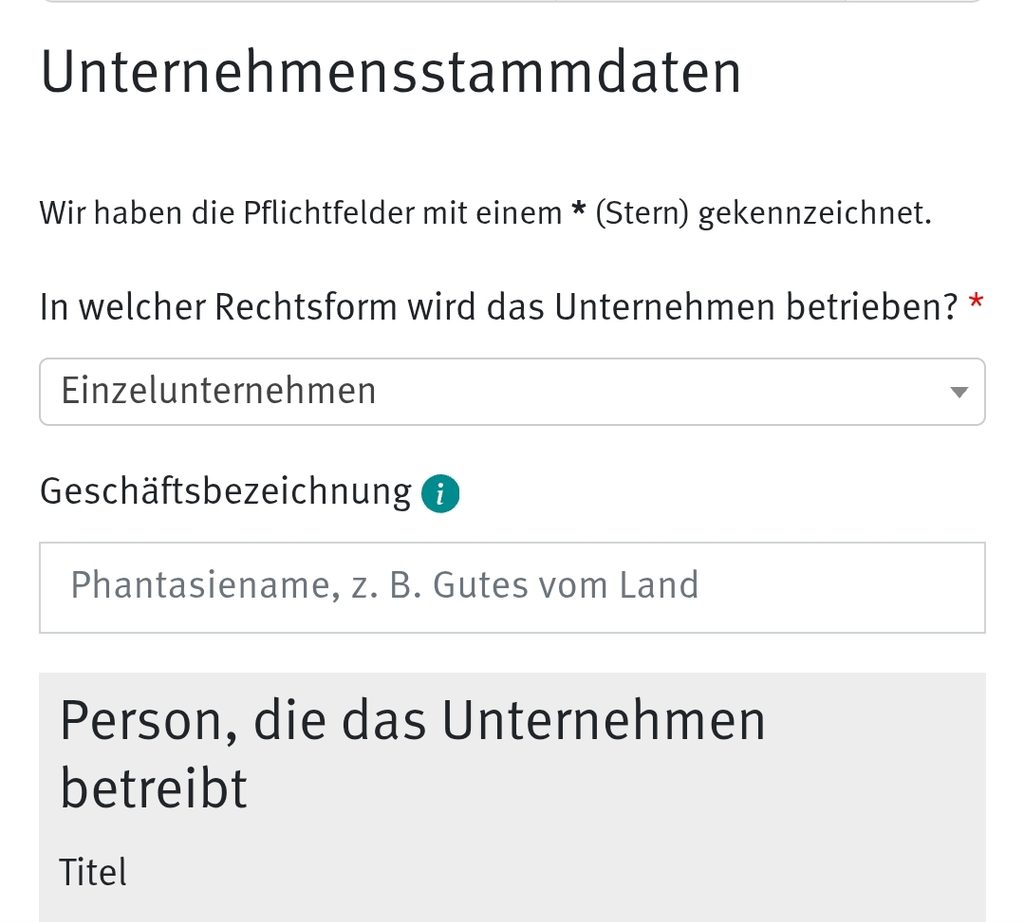
Legal Form: Choose Einzelunternehmen (Sole Proprietorship).
Trading Name (Geschäftsbezeichnung): Leave this completely blank. As a sole proprietor, your legal business name is simply your actual legal name. Your website domain does not go here.
Step 2: Avoid the “Logistics Trap” (Business Branch)
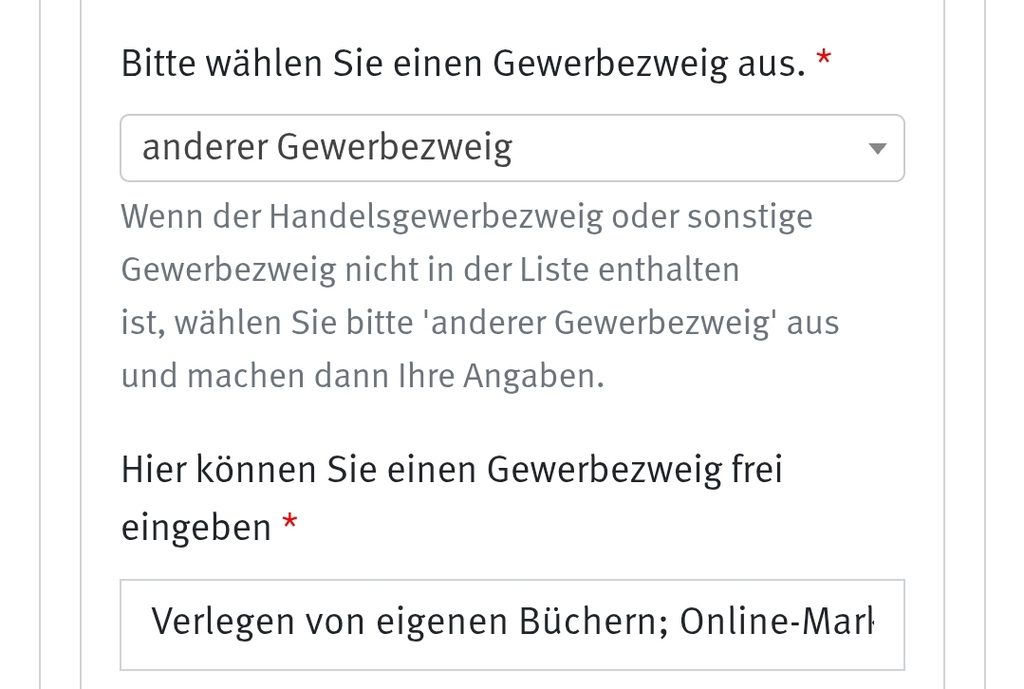
The platform will ask you to select a business branch (Gewerbezweig). If you select standard publishing or retail categories, the rigid system will force you to answer mandatory, confusing questions regarding where Amazon prints your books, what shipping routes are used, and what delivery vehicles you own.
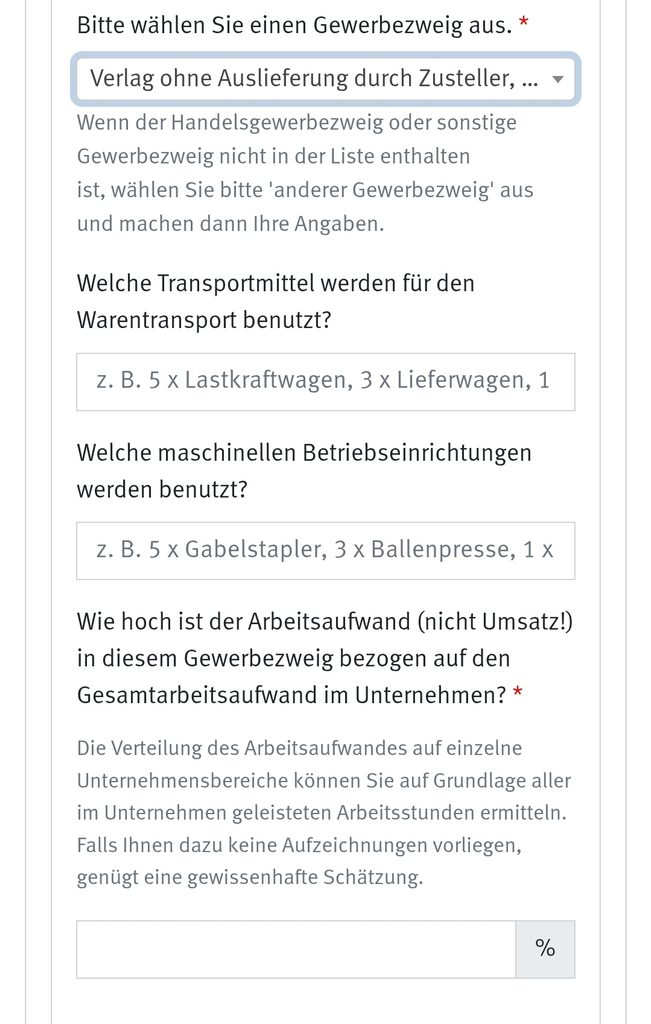
If this matches your business then go ahead and select which description is most appropriate. For my current one, I used a workaround as the scope doesn’t exactly match any available categories. It’s nice to get acquainted to this for future ventures though
The Workaround: Change your dropdown selection to Anderer Gewerbezweig (Other business branch).
The Description: In the text field that appeared, I wrote the exact wording directly from the official paper Gewerbeanmeldung (e.g., “Verlegen von eigenen Büchern; Online-Marketing; Affiliate-Marketing; Erstellung und Monetarisierung von digitalen Inhalten…”).
Workload Percentage: Type 100% into the workload box. This does not mean you work full-time hours; it simply means 100% of your dedicated side-hustle time belongs to this single custom description.
Step 3: Employees & Insurance (The Financial Lifesaver)
Employees (Personal): Leave this checkbox completely empty. Ensuring the system registers 0 employees is the single most important factor.
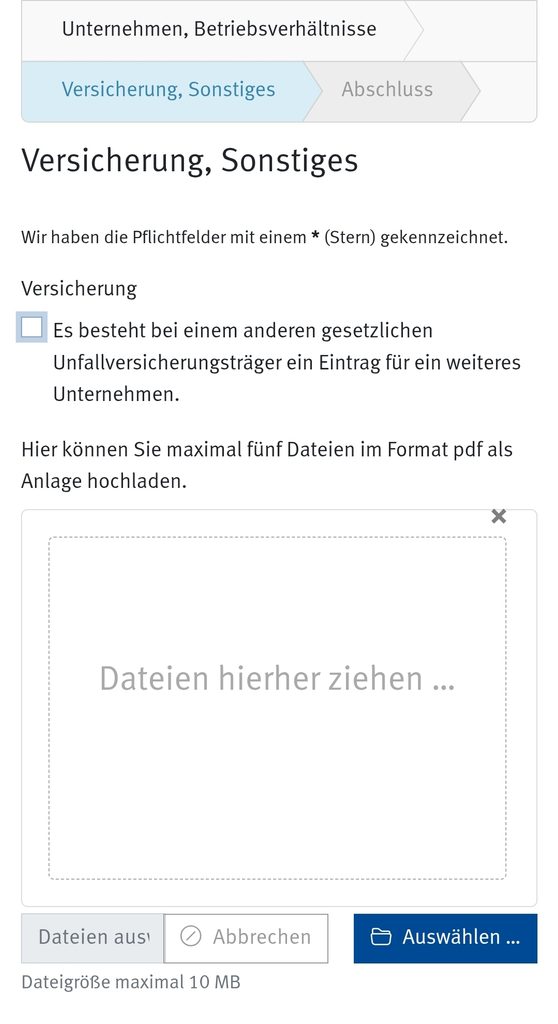
Other Insurance: Leave the gesetzliche Unfallversicherungsträger box unchecked. This only applies if you own a second completely separate company. Private commercial insurances (like a legal protection plan from IONOS) do not belong here.
4. Final Submission & The Cost
Review your data summary, check the confirmation box (“Ich bestätige die Richtigkeit meiner Angaben”), and hit Speichern (Submit). Make sure to download the generated confirmation PDF receipt for your personal business records.
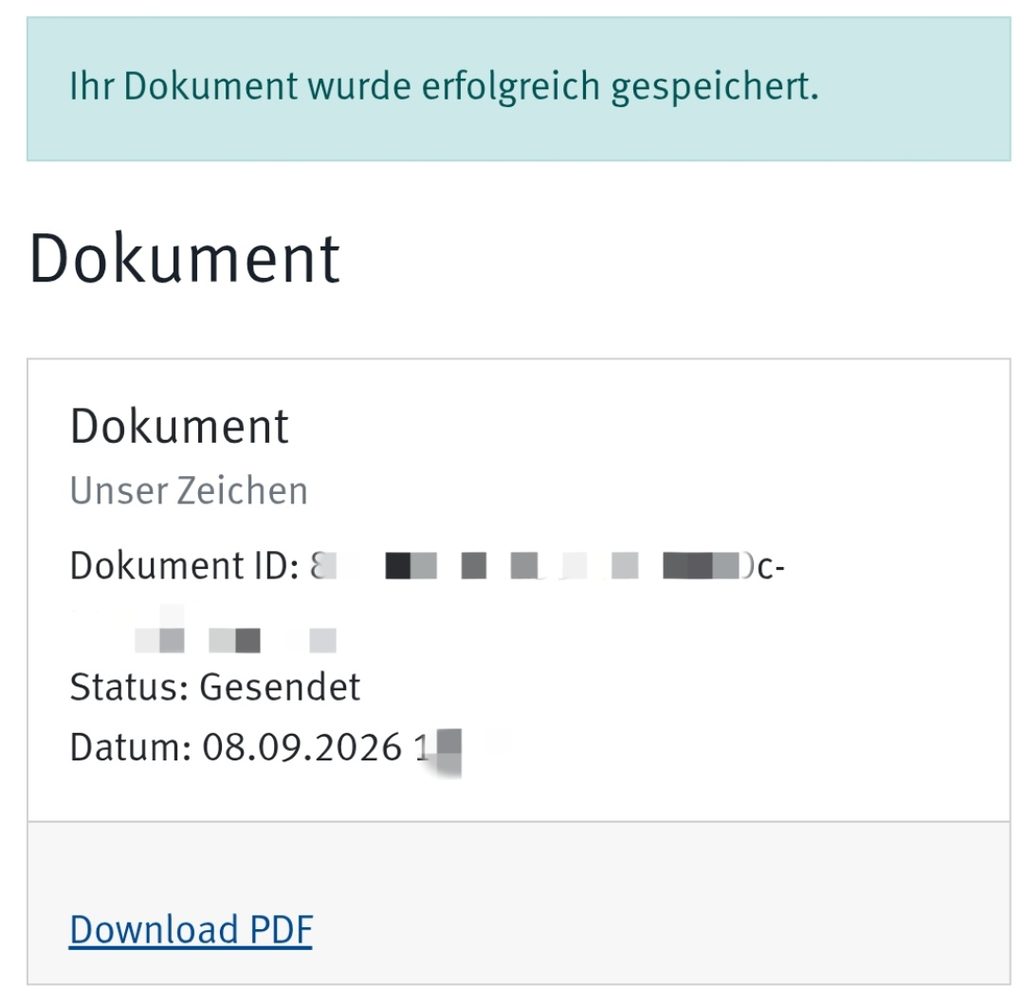
Once submitted, your legal duties are fully met. The BGHW will review the digital submission, flag your file as a free solo membership, and leave you in peace.
Hopefully, this guide helps de-mystify the process for other new entrepreneurs on Sentinel Blueprint. If you ever receive a confusing follow-up letter from the Finanzamt or the IHK, we can break those down step-by-step as well! Let me know if you want to add any specific details about your Amazon KDP journey to this guide.
🌟 Special Launch Announcement: “Resiliente Freundlichkeit” is Now Live!
Speaking of creating content, navigating this wild path of German entrepreneurship has all been part of a massive milestone journey. I am incredibly proud to announce that my new book is officially live and available for readers across Germany!
Title: Resiliente Freundlichkeit: Wie man in einer zunehmend feindlichen Welt menschlich bleibt

Format: Available right now on Amazon as a high-quality paperback edition. (I am currently working hard on the digital eBook version, so stay tuned for that release soon!)
What it’s about: A powerful manifesto written from years of experience on the frontlines of medicine. It explores how to step out of the role of a passive observer, build structural integrity, and maintain a fierce, resilient kindness in a demanding world.
If you are navigating the complex world of side-hustles, creative writing, or healthcare in Germany, this book was written for you. Check it out on Amazon and grab your paperback copy today!
Leave a Reply